🎄 – until Christmas

It's snowing
on your Mac.

Snowdrift turns your desktop into a cozy Christmas scene. Snow piles up on your windows and slides off when you drag them. String lights twinkle, icicles grow, and Santa flies by with presents.

Download forMac · $10 Try it right here ↓

Pay once, keep it forever · macOS 14 Sonoma or later

Christmas List

Gifts 🎁

  • Cozy socks for Dad
  • Gingerbread kit
  • Record player for Mia
  • Hot cocoa sampler
  • Wrapping paper (lots)
Photos — Winter
Drag a window to shake the snow off ✨

A live preview. Let the snow pile up, then fling a window.

Holiday touches

Every window, dressed for Christmas.

Snowdrift sits quietly in your menu bar and decorates whatever you're working in. Your apps keep working exactly as they always do.

❄

Snow that really piles up.

Flakes settle on the top of every window, round off over the corners, and build up over time. Drag a window and the snow slides off like a rug being pulled. Yank it up and it all flies off.

String lights.

Twinkling bulbs along the top of every window.

●

Ornaments.

Shiny baubles hang from your windows and swing when you move them.

💧

Icicles.

They grow slowly under your windows while it snows, then melt away.

🎁

Santa drops presents.

His sleigh crosses your screen and leaves gifts behind. Click one to open it.

🔔

Sleigh bells.

Turn them on and you'll hear a soft jingle drift across your speakers whenever Santa's sleigh passes by.

📅

Christmas countdown.

The days until Christmas, right next to the snowflake in your menu bar. On Christmas Eve, Santa flies twice as often.
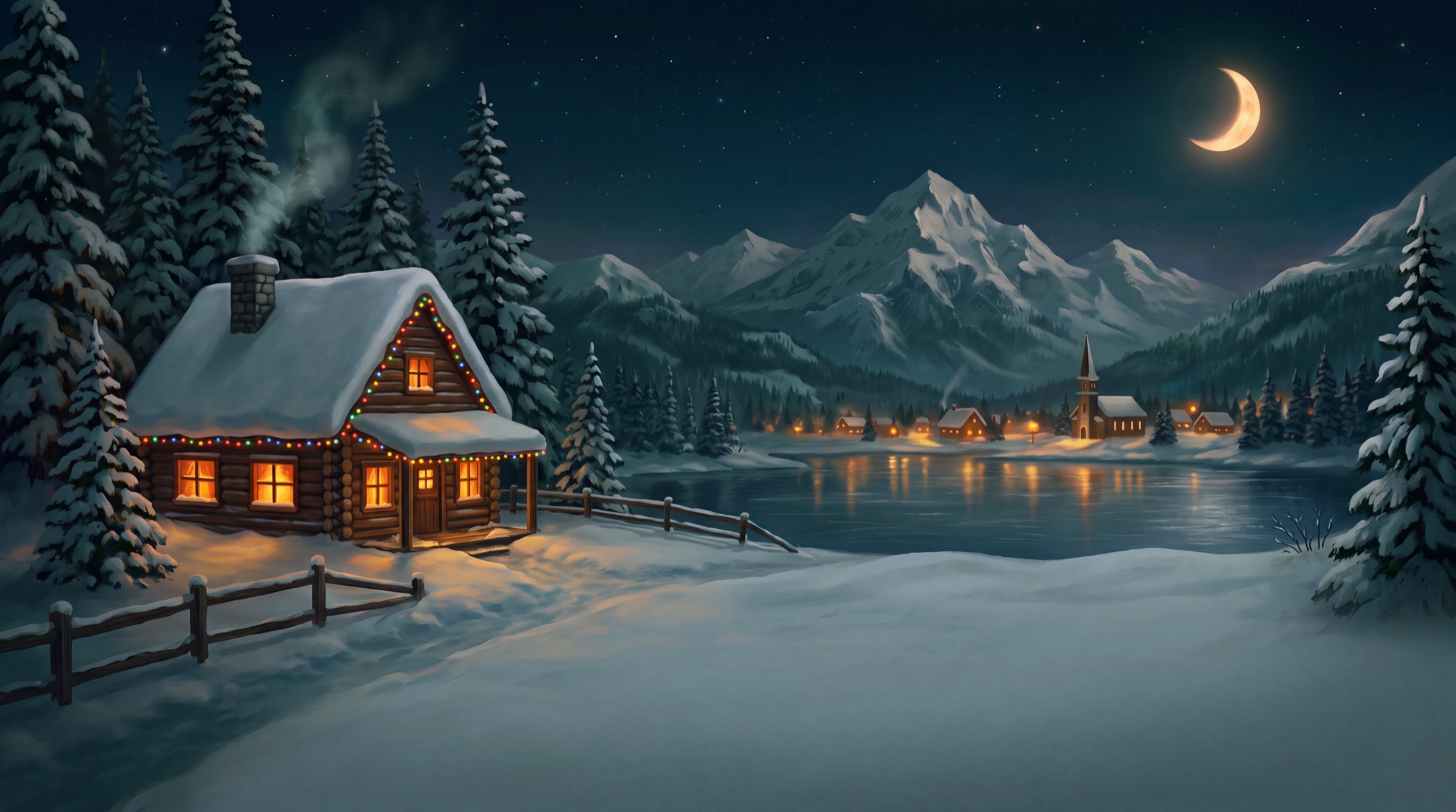

A snowy cabin with Christmas lights beside a frozen lake at night

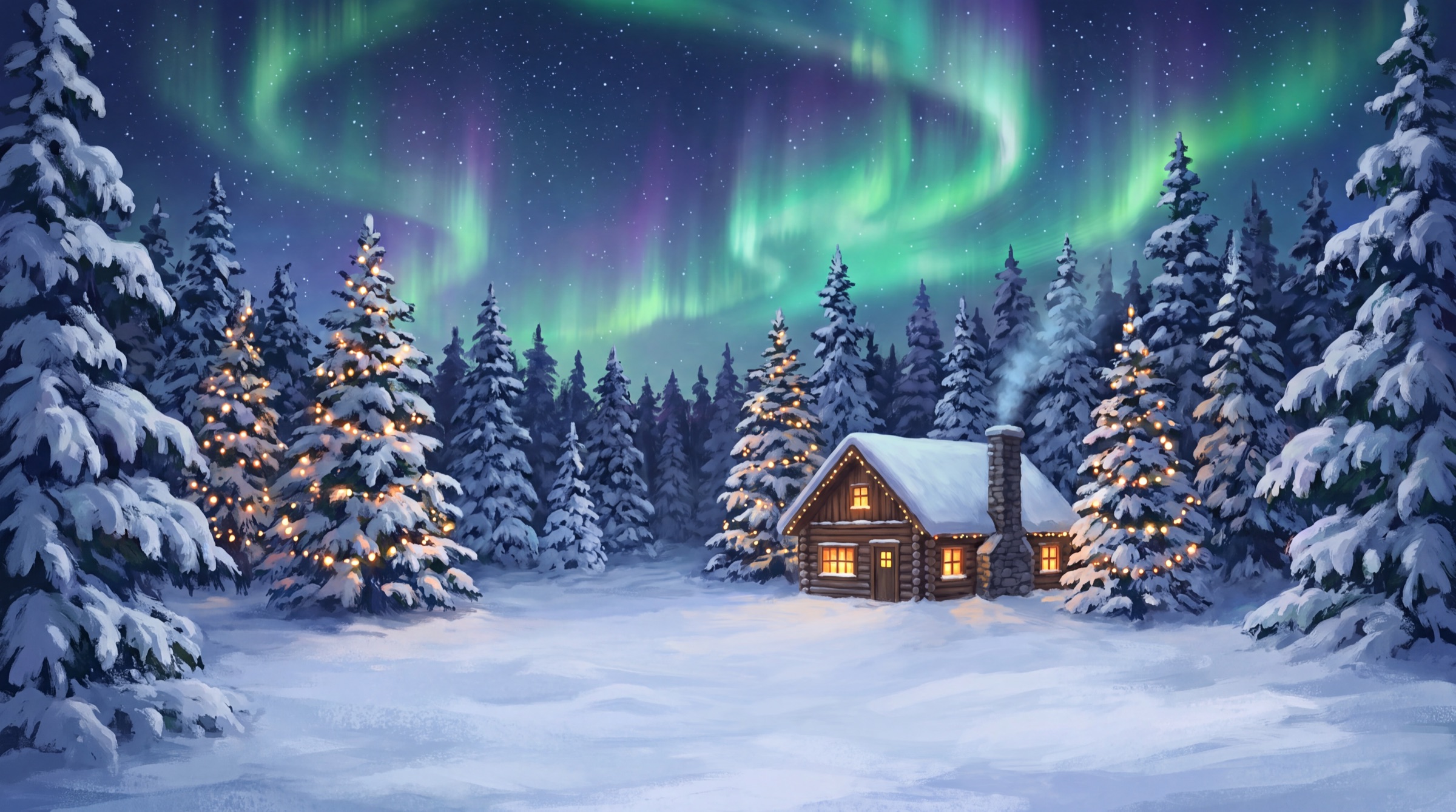
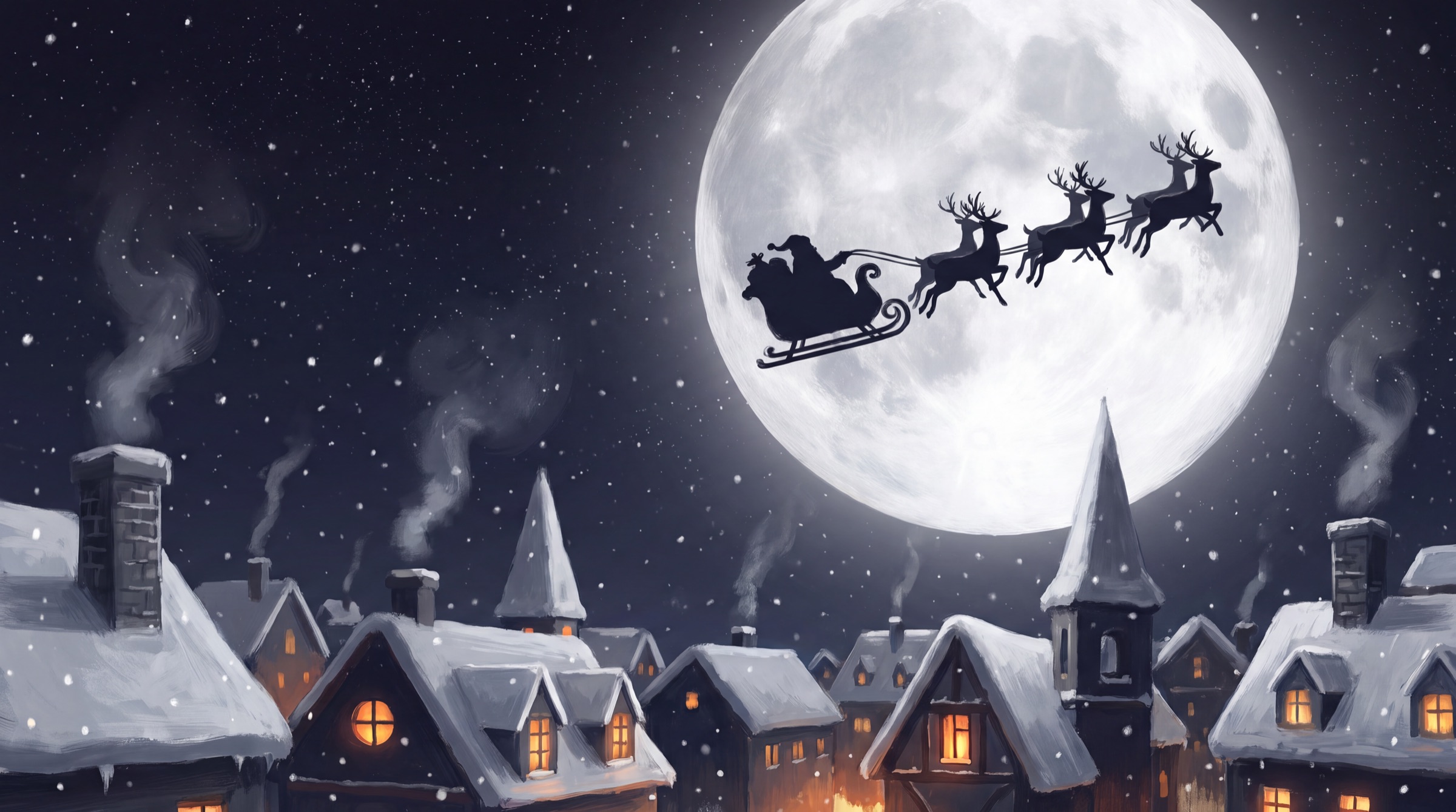
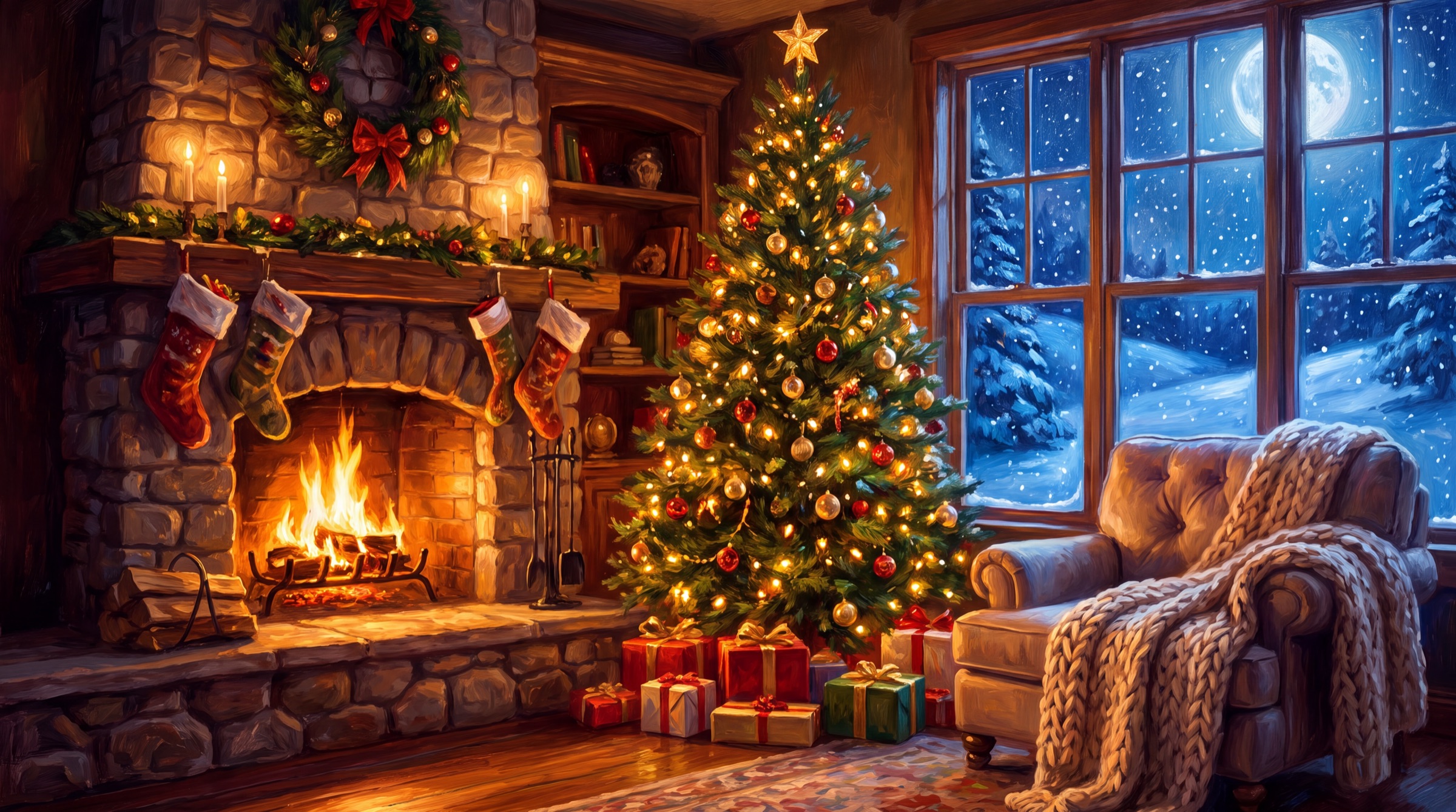
Six hand-painted Christmas desktops.

A cabin by a frozen lake, a village on Christmas Eve, a forest under the northern lights, a twilight skating pond, Santa crossing the moon, and a crackling fireside. Switch any time, or use your own picture.

Cabin by the lake Village on Christmas Eve Northern lights over a cabin Twilight skating pond Santa crossing the moon Fireside on Christmas Eve
Set up in seconds

Make it yours.

The first time you open Snowdrift, pick exactly what you want. Snow or rain, a light dusting or a blizzard, and every holiday touch on or off. Change it any time from the menu bar.

Snowdrift
Weather
Snow
Rain
Amount
·Light
∴Normal
⁂Heavy
String LightsTwinkling bulbs on every window
OrnamentsBaubles that swing as you drag
IciclesGrow under windows while it snows
Santa Drops PresentsClick a gift to open it
Sleigh BellsA soft jingle as Santa passes
Done
One price

Yours for every Christmas.

Snowdrift for Mac
$10
One time. No subscription.
Buy & Download

Secure checkout with Stripe. Your download starts right after you pay.

Questions.

How do I install it?

After checkout you'll download Snowdrift.dmg. Open it, drag Snowdrift into your Applications folder, and open it. A snowflake appears in your menu bar and the snow starts falling.

Will it slow down my Mac?

No. Snowdrift draws with the same graphics engine Apple uses for games, and it pauses itself when your screen is asleep or covered by a full-screen app.

Does it get in the way of my clicks?

Never. Every flake, light and icicle lets clicks pass straight through to your apps. The only things you can click are Santa's presents, if you want to.

Which Macs does it work on?

Any Mac running macOS 14 Sonoma or later, Apple silicon or Intel. It works across multiple displays and Spaces too.

How do I turn it off after the holidays?

Click the snowflake in the menu bar and choose Quit. Your original wallpaper comes right back. Open it again next December and it picks up where you left off.

Is it a subscription?

No. You pay $10 once and it's yours, including future updates.

❄️ Snowdrift for Mac · $10, yours forever Buy & Download